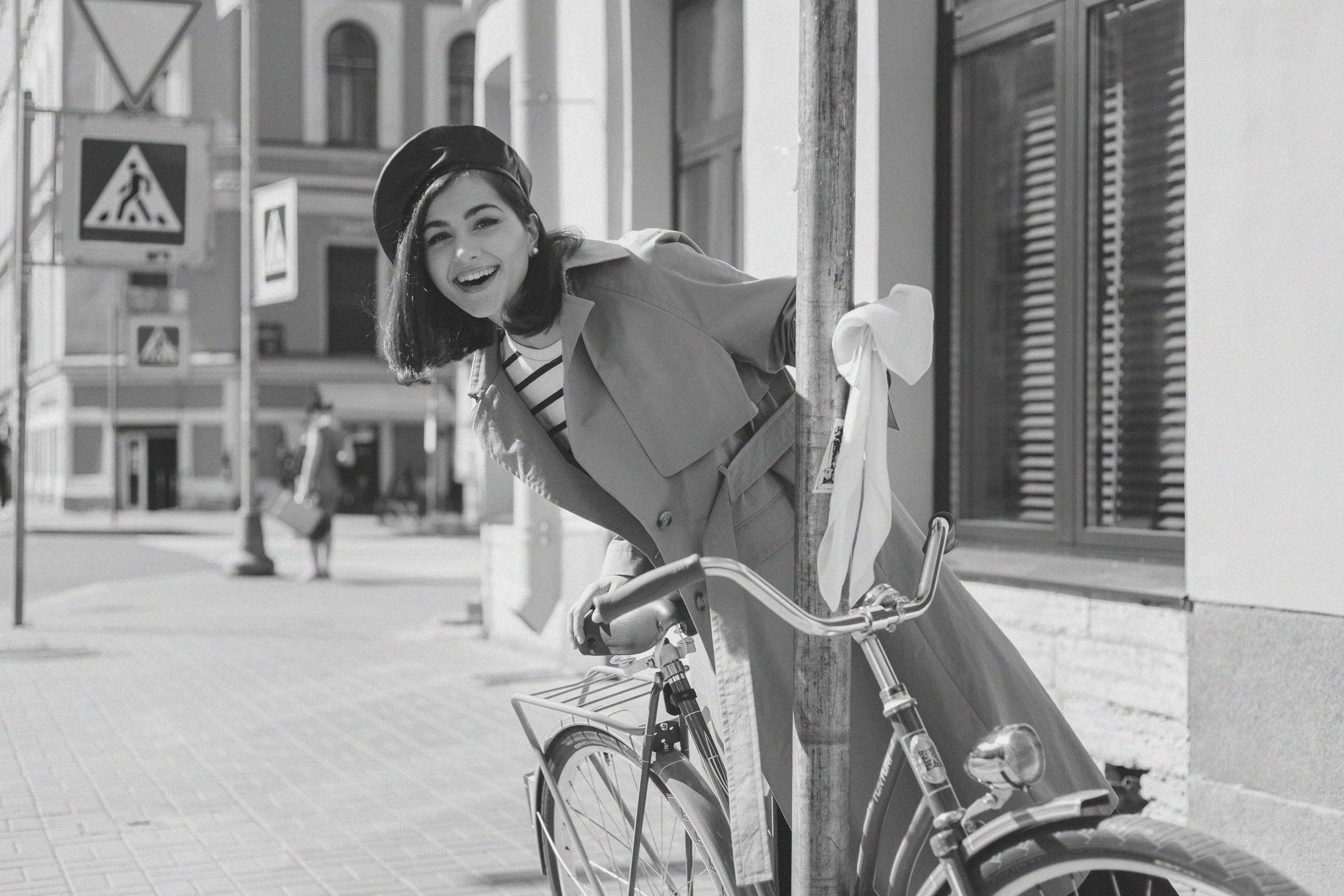

WHAT ARE PRESETS
Lightroom presets are custom settings built into Lightroom. They let you edit photos with one click. In other words, filters for quick photo editing in different styles.


SUMMER
- 10 author presets
- Compatible with any camera
- Examples for each preset included
- Installation guide included
$75
AUTUMN
- 10 author presets
- Compatible with any camera
- Examples for each preset included
- Installation guide included
$75




WINTER
- 10 author presets
- Compatible with any camera
- Examples for each preset included
- Installation guide included
$75
FREE BLACK & WHITE PRESETS
- 10 author presets
- Compatible with any camera
- Examples for each preset




INSTRUCTIONS
HOW TO INSTALL
In Lightroom, go to the “Split Tone and Tint” section in the Develop panel, then click “Add New Preset.” After that, select the preset file on your computer and click “Open.”
HOW TO USE
After installing a preset, you can apply it to any photo. Just choose the photo you want to edit, go to the Develop panel, find the preset under “Presets, ” and click it. The photo will automatically get the effect of the selected preset.
HOW TO MODIFY
Using Lightroom’s tool panels, you can adjust photo settings like color balance, brightness, contrast, toning, and more. By combining different effects, you’ll be able to create your desired visual style.
LET’S STAY IN TOUCH
CONTACT ME
PHOTOGRAPHER ALICE BELL
Contact me on Telegram or fill out the form: